Client
Department for Transport
Role
Senior UX/UI Designer
Year
2024
Duration
7 months
Platforms
Desktop, Tablet, Power Apps, Web, Design system
Outcome
Streamlined workflows, improved user satisfaction and enhanced security assessment processes, with the solution presented to the Global Government Forum.

Summary
As a Senior UX/UI Designer at the Department for Transport (DfT), I led the design of critical internal applications to enhance operational efficiency. The project's first phase was the "OASIS Internal Security Assessment Application" for desktop and tablet platforms, and the second phase was the "International Operations Information Hub Portal". These applications were developed using Microsoft PowerApps, Power BI, and SharePoint to align with the department's technological infrastructure.
My Role
My role encompassed the full spectrum of user experience design, from initial research to the delivery of high-fidelity prototypes. I conducted extensive user research, including interviews and usability testing with DfT employees, to gain a deep understanding of their needs and workflows. Collaborating closely with internal and external stakeholders, I facilitated workshops to clarify requirements and build consensus on design directions.
Throughout the project, the designs were aligned with the Government Design System (GDS) standards and MS Power Apps limitations while maintaining consistency and accessibility. By iteratively developing wireframes and prototypes in Figma, I could explore various design solutions effectively and provide comprehensive functional documentation for developers.
The successful implementation of the projects resulted in streamlined workflows, improved user satisfaction, and enhanced security assessment processes within the DfT. The applications met the technical requirements and aligned with organisational goals, demonstrating the value of user-centred design in government services.

User Research and Analysis
The Department for Transportation faced significant challenges with a complex set of applications to perform security assessments and access operational resources effectively. The existing tools were not user-friendly, suffered from fragmented workflows, and did not comply with modern usability standards or the Government Design System (GDS).
To understand these issues deeply, I conducted user research involving interviews and usability testing sessions with DfT employees. This allowed me to gather firsthand insights into their daily workflows, pain points, and expectations. By analysing workflows and creating affinity maps and priority charts, I was able to identify patterns and common challenges faced by users.
Problem Definition
Employees struggled with cumbersome processes that reduced productivity and posed potential security risks. There was a clear need for a cohesive, intuitive platform to facilitate better communication, streamline operations, and enhance overall efficiency within the department. Technical constraints, such as the need to integrate with Microsoft Power Apps, Power BI, and SharePoint, added layers of complexity to the problem.
Understanding these complexities required in-depth engagement with end-users and stakeholders to uncover pain points, prioritise requirements, and define clear objectives for the new applications.

User-Centered Design Process
To tackle these challenges, I initiated a user-centred design process beginning with comprehensive user research. I engaged with DfT employees through interviews and usability testing to gather detailed insights. Using affinity mapping and priority charts, I synthesised this information to identify key areas for improvement.
The Solution
Collaborative Workshops and Stakeholder Engagement
I facilitated workshops with stakeholders to present research findings, gather feedback, and build consensus on the project direction. This collaborative approach ensured that all parties were aligned and that the solutions would meet both user needs and organisational objectives.

Adherence to Government Design Standards
Throughout the design process, adherence to the Government Design System (GDS) was paramount. This ensured accessibility and a familiar user experience for government employees. I created high-fidelity designs and a comprehensive design library to maintain consistency across the applications.
Iterative Design and Prototyping
Leveraging Figma, I developed multiple iterations of wireframes and rapid prototypes, exploring various design solutions. This iterative process allowed for quick feedback and refinements. By testing these prototypes with users, I was able to validate design decisions and ensure usability.
Outcomes
Functional Documentation and Developer Collaboration
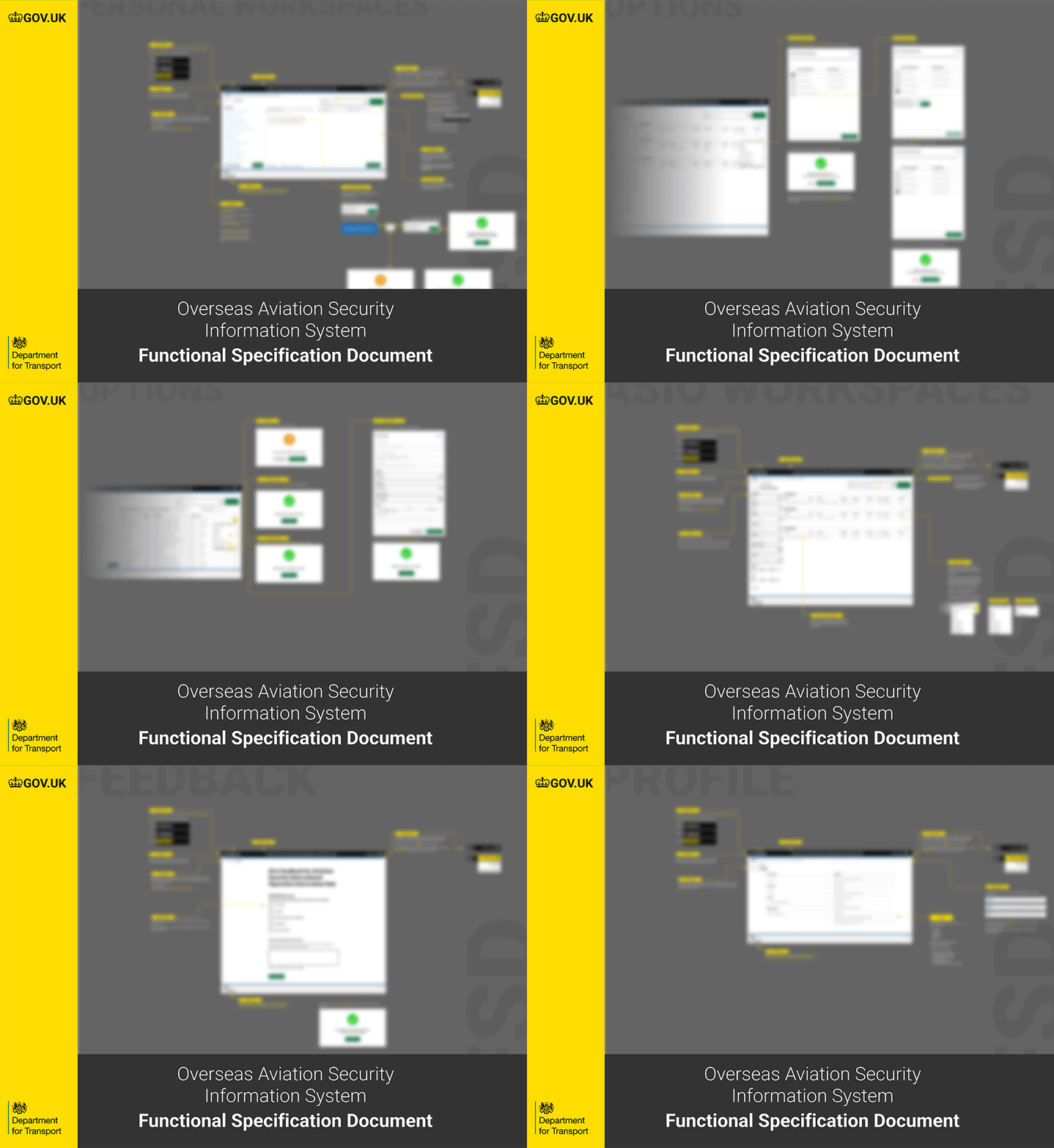
Detailed functional documentation was prepared for developers to facilitate smooth implementation within the Microsoft technology stack. Collaborating with internal and external stakeholders, I considered technical restrictions and ensured that the designs were feasible and aligned with organisational workflows.
Improved Efficiency and User Satisfaction
The redesigned "Internal Security Assessment Application" and the "International Operations Information Hub Portal" led to significant improvements in efficiency and user satisfaction within the Department for Transport. Employees experienced streamlined workflows and easier access to essential information, reducing task time and minimising errors.
Positive Feedback and Adoption
The applications received positive feedback from users who appreciated the intuitive interfaces and alignment with their needs. Post-launch usability testing confirmed that the solutions effectively addressed the pain points identified during the research phase.
Compliance and Accessibility
Strict adherence to GDS standards ensured accessibility and consistency, further enhancing the user experience. This compliance not only met regulatory requirements but also contributed to the overall acceptance and success of the applications.
Integration and Future Impact
The collaboration between design and development teams resulted in a seamless transition from prototypes to functional applications. Utilising Microsoft Power Apps, Power BI, and SharePoint facilitated smooth integration with existing systems.
Overall, these projects demonstrated the profound impact of user-centred design in government services. They contributed to operational efficiency and set a precedent for future digital initiatives within the department, highlighting the importance of aligning technical solutions with user needs and organisational objectives.


